Tag: printing business tips
Binding 101: How Wire Binding Works
When it comes to document organization and presentation, finding the right binding method is essential for professionals across various industries. Wire binding stands out as a versatile and reliable solution among the many options available. In this article, we’ll delve into wire binding, how it works, and its applications across different sectors. From corporate reports to academic papers and personal projects, understanding the intricacies of wire binding can significantly enhance the quality and functionality of bound documents. Let’s explore how this method works and why it’s a preferred choice for professionals seeking efficient and professional document-binding solutions.
What is a Wire Binding Method?
Before knowing how it works, it’s important to know what wire binding is.
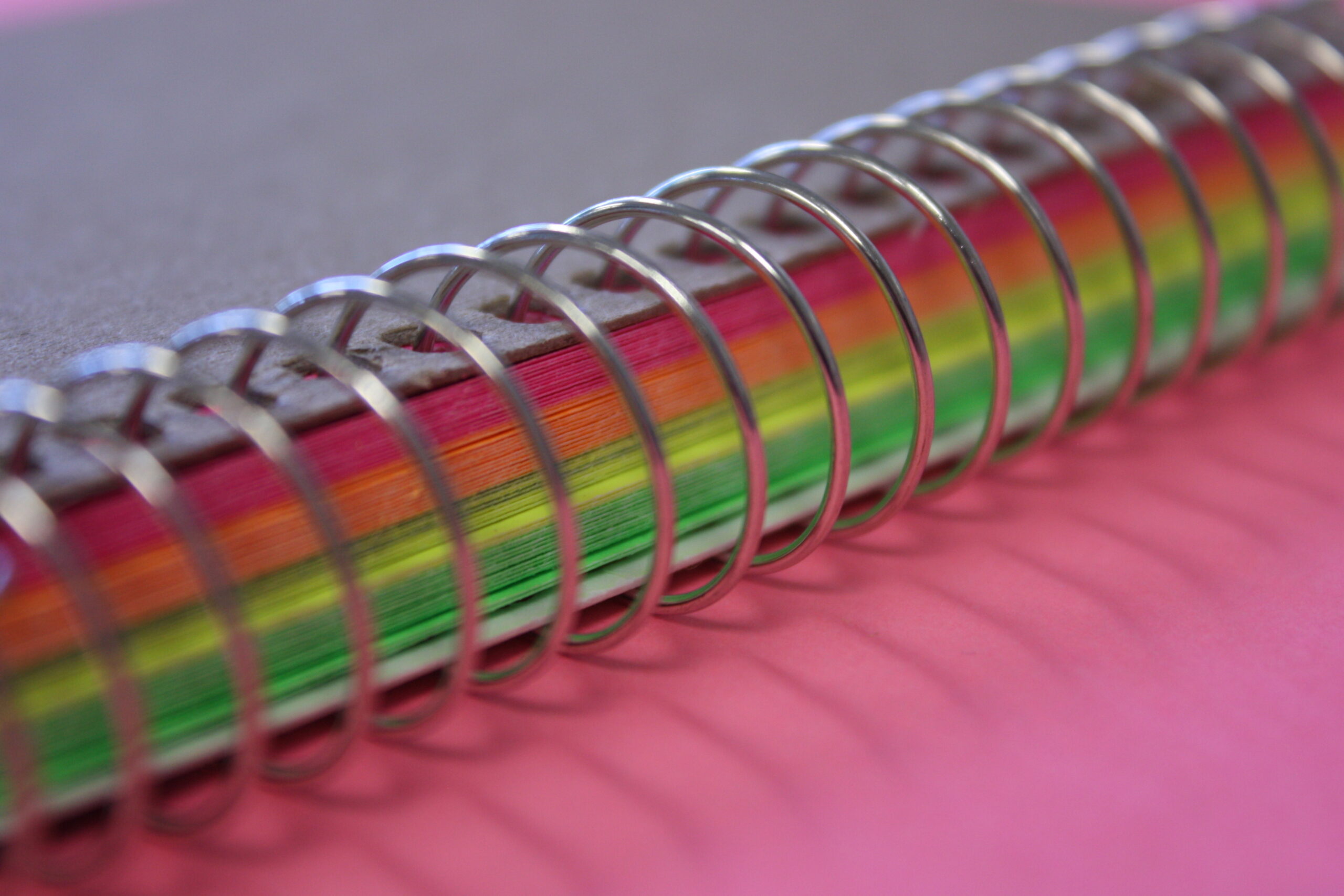
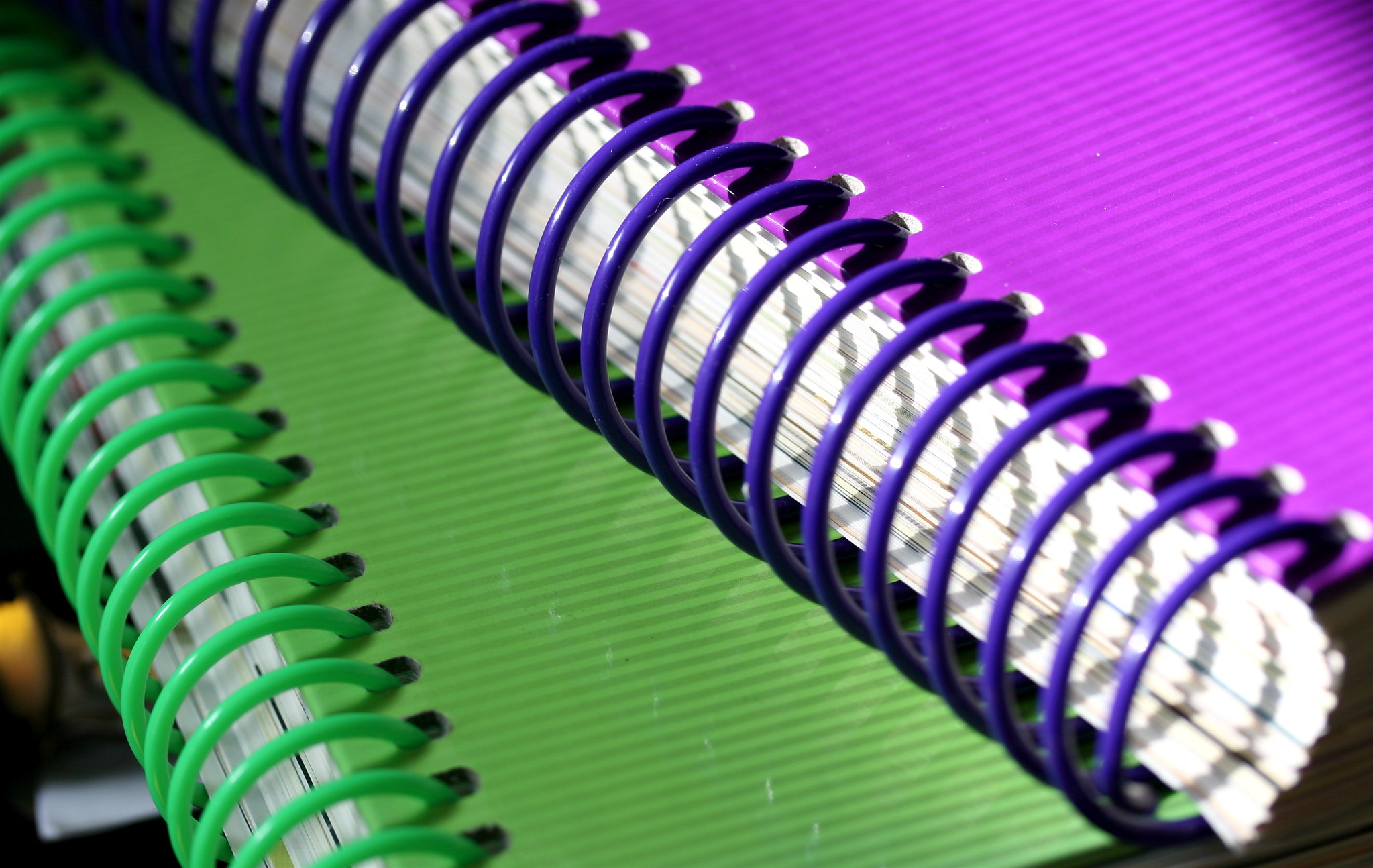
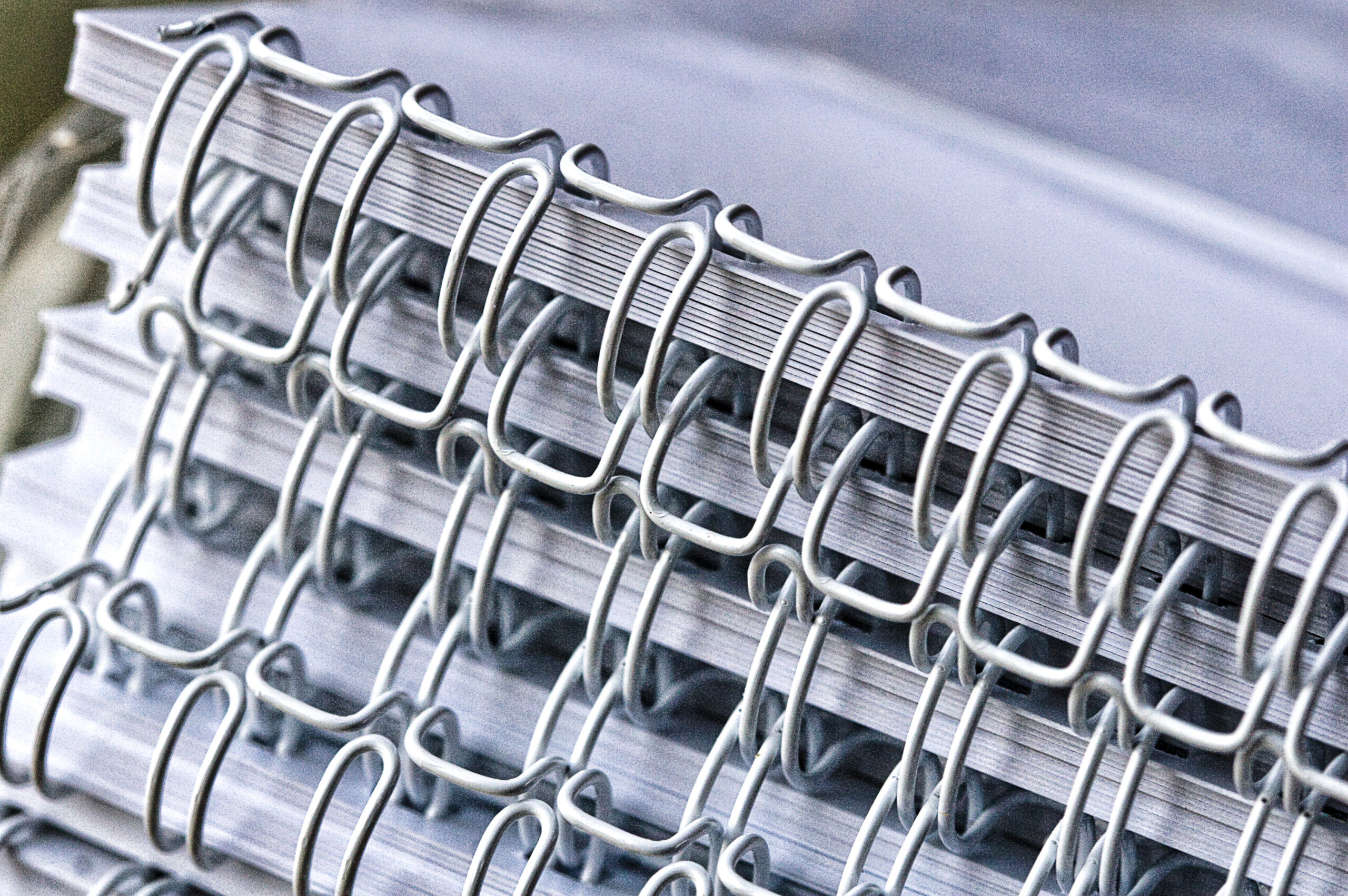
Wire binding is a popular document binding method that involves securing the pages of a document together using a metal wire or coil. This method typically utilizes a specialized wire binding machine, which punches evenly spaced holes along the edge of the pages and then feeds the wire through these holes. Once the wire is threaded through the holes, it is then closed using a wire closer, which squeezes the wire into a tight loop, securely holding the pages in place. Wire binding provides a durable and professional-looking finish, allowing the document to lay flat when opened for easy reading and referencing. It is commonly used for reports, presentations, manuals, notebooks, and other types of documents across various industries.
How Does Wire Binding Work?
Without further ado, here’s a step-by-step guide on how wire binding works:
- Prepare Your Document: Gather the pages of your document in the desired order. Ensure that the edges are aligned neatly.
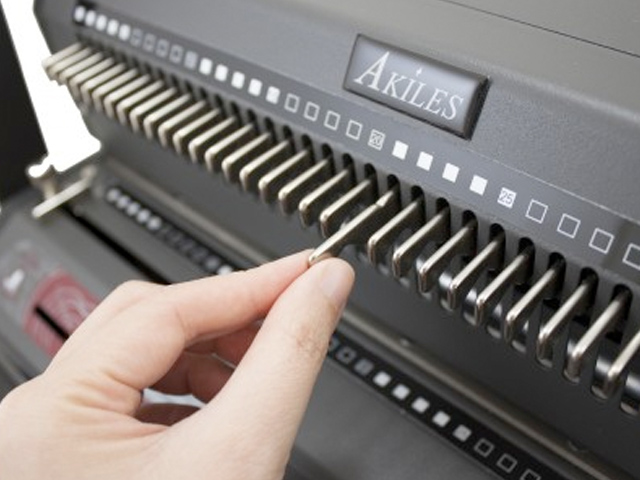
- Punch Holes: Use a specialized wire binding machine to punch evenly spaced holes along the edge of the document. The machine will have adjustable settings to accommodate different paper sizes and hole patterns.
- Select Wire Size: Choose the appropriate size of wire coil for your document. This will depend on the thickness of the document and the diameter of the holes punched.
- Thread the Wire: Take the wire coil and insert it into the first few holes of the document. Ensure that the wire is facing in the correct direction, with the open ends of the coil facing toward the back of the document.
- Continue Threading: Continue threading the wire coil through all the punched holes in the document until it reaches the end.
- Close the Wire: Once the wire coil is fully threaded through the document, place it onto the wire closer of the binding machine. The closer will have adjustable settings to match the diameter of the wire coil.
- Secure the Wire: Activate the wire closer to squeeze the wire coil tightly, closing it around the edges of the document. This securely holds the pages together.
- Trim Excess Wire: If necessary, use wire cutters to trim any excess wire protruding from the edges of the document.
- Finish: Your document is now securely bound with wire binding. It can be opened flat for easy reading and referencing.
By following these steps, you can effectively use wire binding to create professional-looking documents for various purposes.
Advantages of Using the Wire Binding Method
The wire binding method offers several advantages, making it a preferred choice for document binding in various industries:
- Wire binding provides a sleek and professional finish to documents, enhancing their overall presentation. This makes it suitable for reports, presentations, proposals, and other professional materials.
- Wire-bound documents can lay flat when opened, allowing for easy reading, writing, and photocopying.
- The metal wire used in wire binding provides durability and ensures that pages are securely held together. This makes wire-bound documents resistant to wear and tear, making them suitable for frequent handling.
- Wire-bound documents can be rotated 360 degrees, allowing them to be folded back on themselves for convenient use in presentations or meetings.
- Did you know that wire binding allows for the customization of documents with different cover options, such as clear plastic covers or cardstock covers? Additionally, documents can be easily edited or updated by removing and replacing individual pages.
- Wire binding can easily accommodate large documents, making it suitable for manuals, handbooks, and other lengthy publications. The wire binding method ensures that pages stay securely bound even in thick documents.
- Wire binding equipment and supplies are relatively affordable, making wire binding a cost-effective option for businesses, organizations, and individuals looking to create professional-looking documents.
- Wire binding can be used for a wide range of document types, including reports, presentations, manuals, calendars, and more. Its versatility makes it a practical choice for various industries and applications.
Overall, the wire binding method offers numerous advantages, including a professional appearance, durability, lay-flat design, customization options, suitability for large documents, cost-effectiveness, and versatility, making it an ideal choice for document binding needs.
Best Wire Binding Machine in 2024
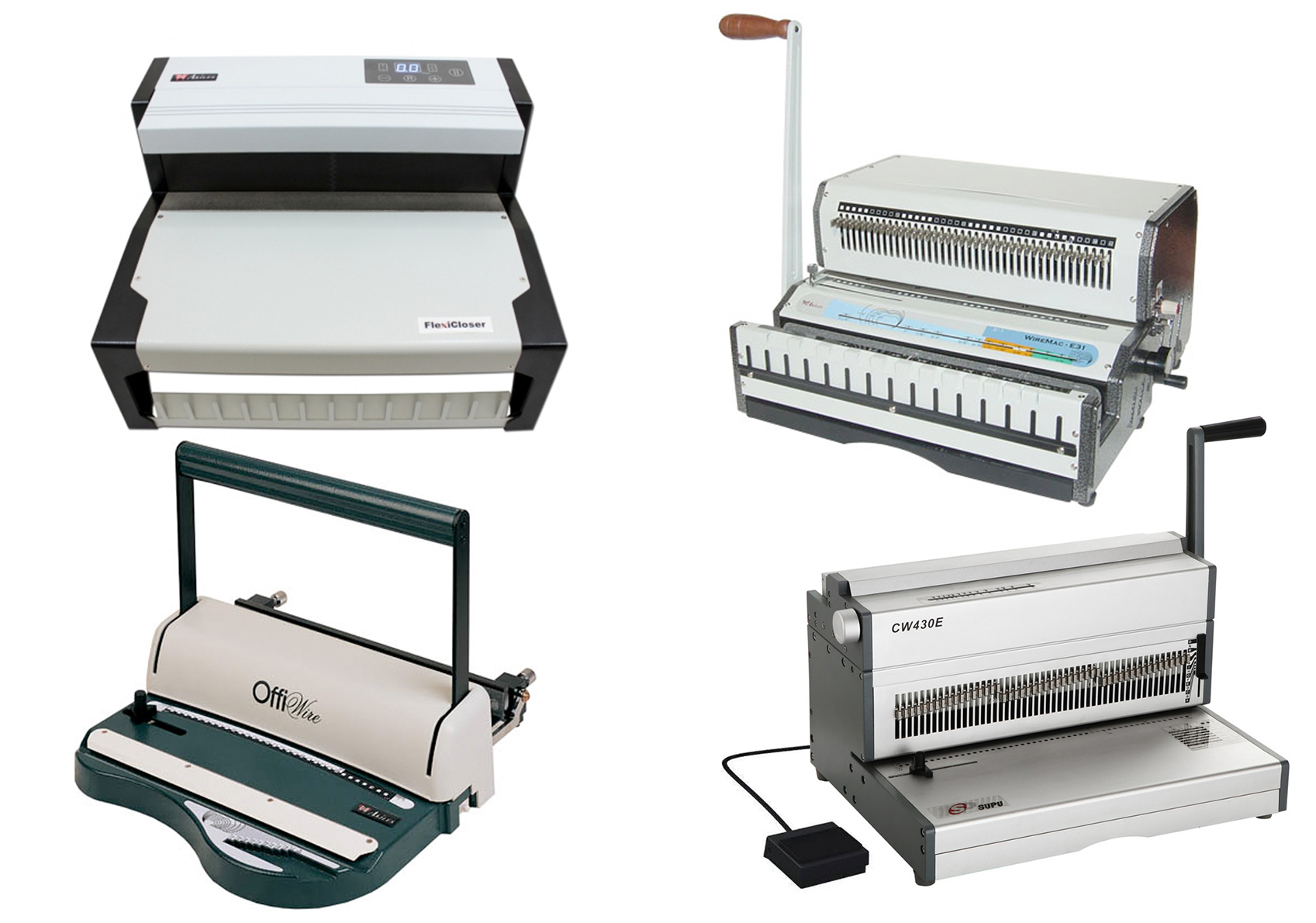
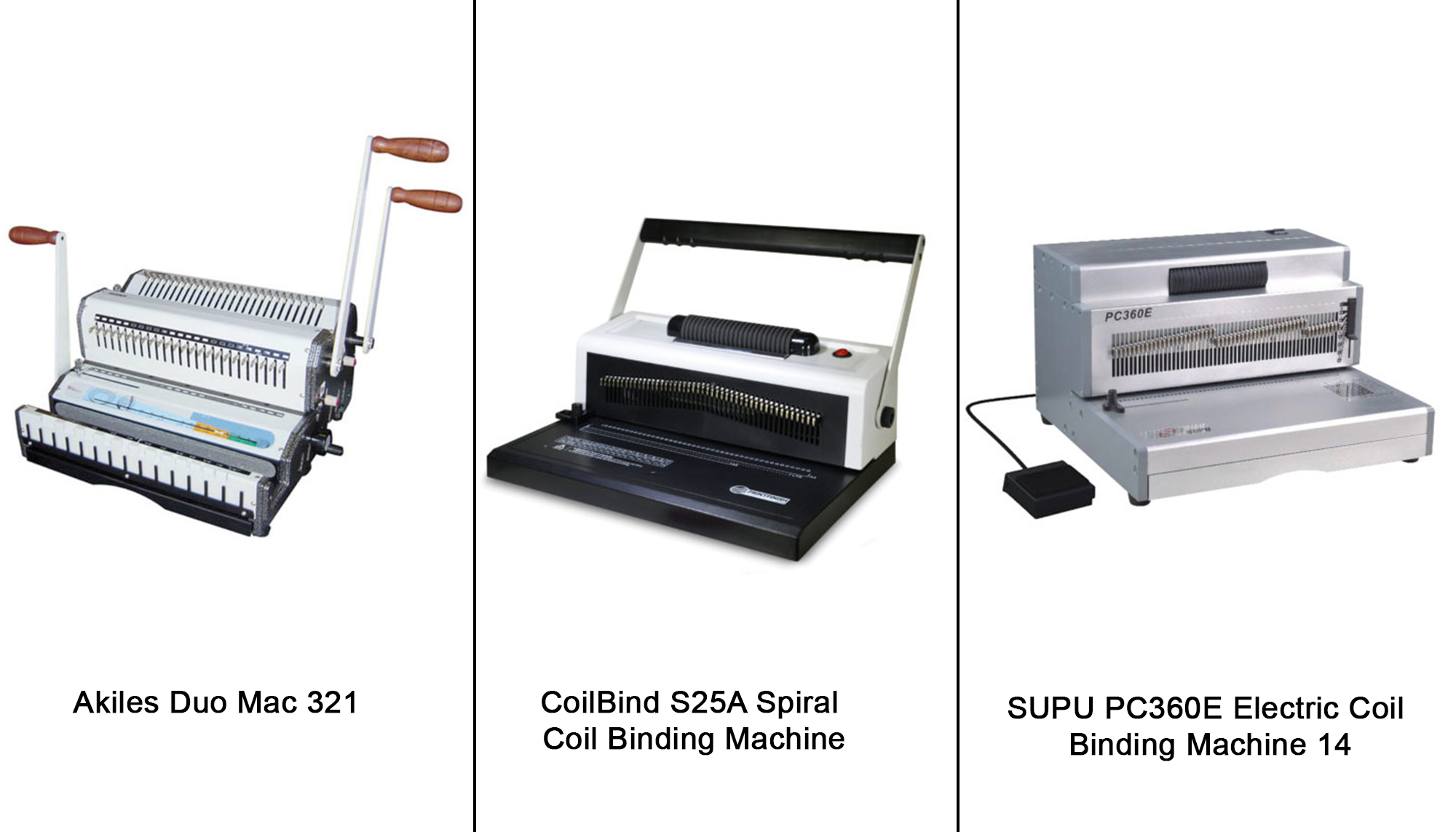
Here are some of the best wire-binding machines:
- WireBind W20A Wire Binding Machine
- Supu CW430E Electric Wire-o Punching Machine with Manual Closer
- WireMac-E31 Akiles Electric Punch Manual Wire
- Akiles WBM532 Modular Wire Binding Machine
- Akiles FlexiCloser 2 Wire Binding Machine
Check out the most frequently asked questions about wire binding.
In conclusion, the wire binding method offers a practical and efficient solution for document binding needs across various industries. Its straightforward process and reliable results make it a preferred choice for professionals seeking to enhance the presentation and durability of their documents. By understanding the step-by-step process of wire binding and its numerous advantages, individuals and businesses alike can effectively utilize this method to create professional-looking documents that meet their specific needs. Whether it’s for reports, presentations, manuals, or other publications, wire binding provides a cost-effective and versatile solution that ensures documents are well-organized, durable, and visually appealing.
If you’re a business owner in need of the best binding machines to enhance your document organization and presentation, look no further. Our comprehensive range of high-quality binding equipment is designed to meet your specific needs, whether you run an office, a binding business, or a printing venture. Streamline your operations, impress clients, and leave a lasting impression with our top-notch binding solutions. Contact us today to explore the perfect binding machine that aligns with your requirements, and take the first step toward optimizing your document management and presentation capabilities.